1
Set the layout
Configure layout type, rows, spacing, and sections where they apply before you place anyone. Generic layouts stay flexible; Wenger presets keep known physical dimensions and arrangements close at hand.
 RiserForge Open App
 Browser App
RiserForge combines layout geometry, solver-assisted balancing, roster cleanup, live assignment, and print-ready handoff in one browser workspace built for choir directors who need a readable chart without wasting hours rebuilding the same plan across multiple tools.
Core Workflow
RiserForge keeps geometry, balancing, roster cleanup, and placement in the same session so each decision carries forward instead of being rebuilt somewhere else.
Configure layout type, rows, spacing, and sections where they apply before you place anyone. Generic layouts stay flexible; Wenger presets keep known physical dimensions and arrangements close at hand.
Import CSV or Excel files, normalize names and heights, manage Part 1 and Part 2 labels, and keep groups organized before assignments begin.
Click or drag singers into place, reopen disabled slots by dropping onto them, then print the chart or the assigned-only list when the layout settles.
Inside the App
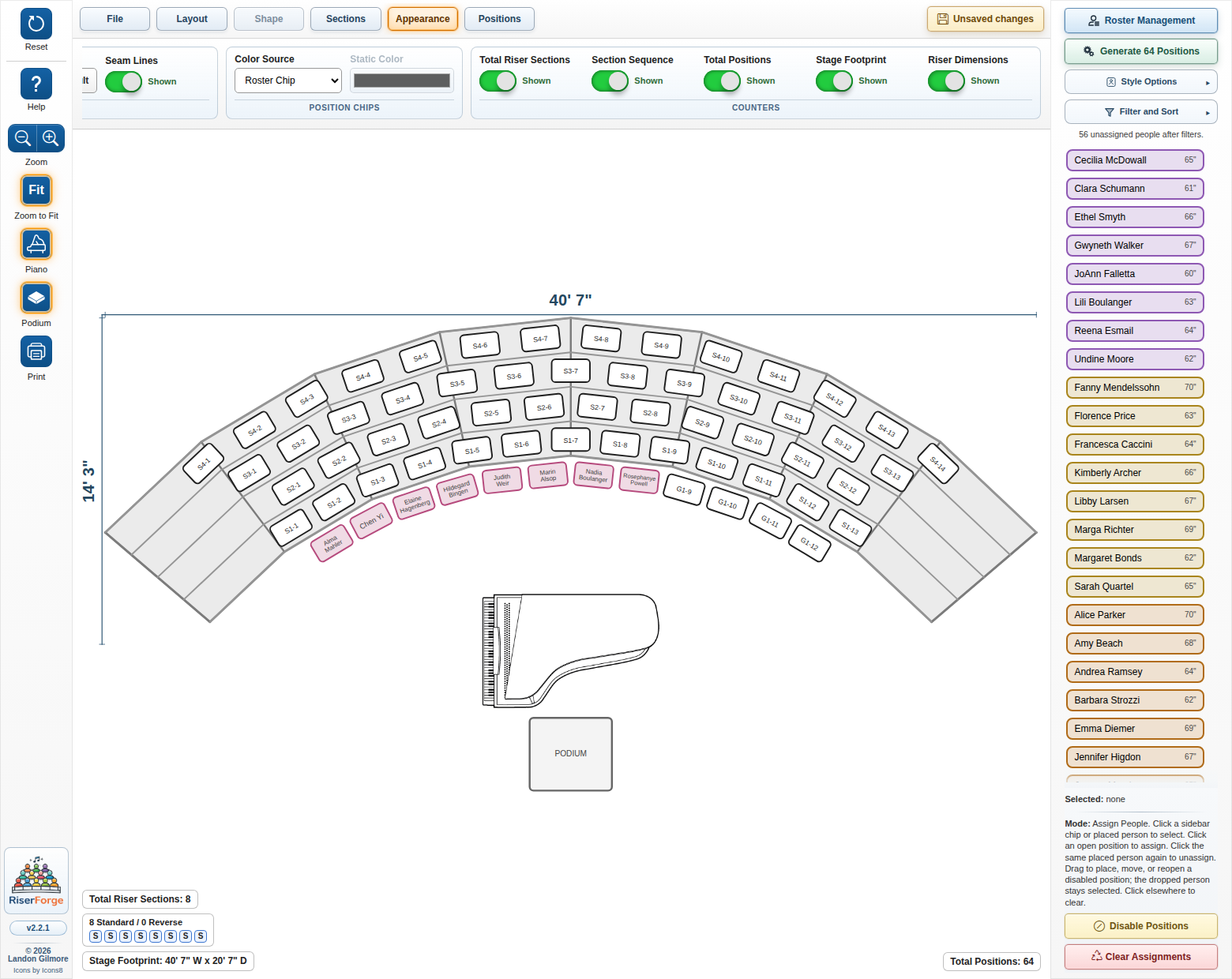
The canvas, ribbon, and roster sidebar stay visible together so generation, balancing, and assignment are not split across disconnected screens.
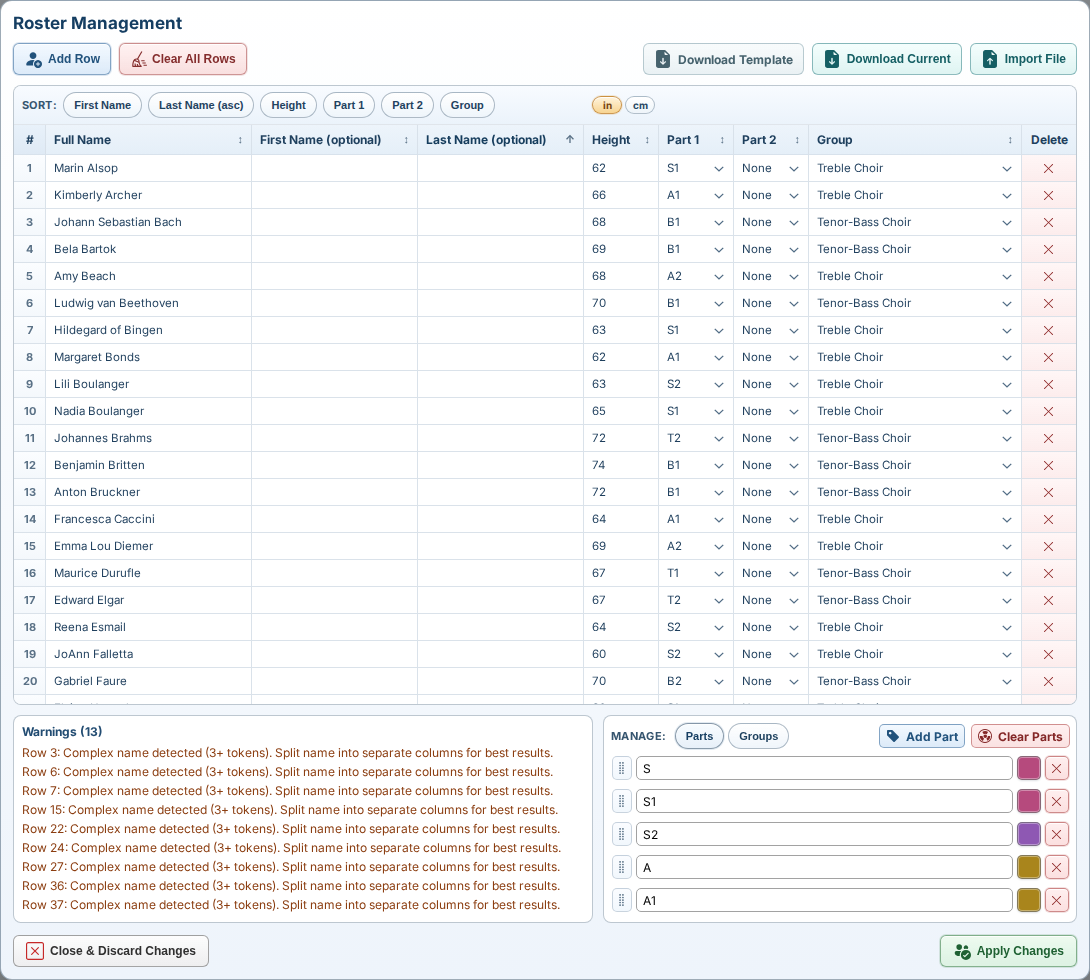
Bulk edits, warnings, managed parts, grouping, and import or export controls live in the roster dialog instead of being scattered across the app.
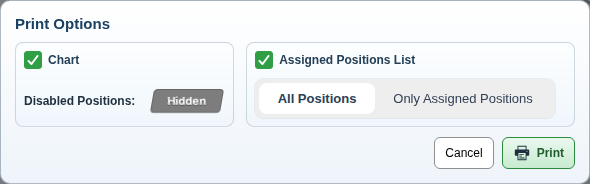
Print only the chart, only the assigned positions list, or both, with disabled-position and scope controls that match the current layout state.
App Strengths
When the roster shifts, sections need to move, or printouts have to go out quickly, RiserForge keeps the layout, assignment, and output workflow in one place so the job gets finished without extra cleanup.
Upload and download full `.riserforge.json` sessions, keep save state visible in the ribbon, and resume work without rebuilding the layout from scratch.
Rename and reorder parts, support Part 1 and Part 2, color by part or group, and preserve matching assignments after roster edits.
Block unusable slots, show stage footprint and riser dimensions, and place piano or podium objects directly on the chart.
Get Started
RiserForge keeps geometry, roster cleanup, assignment, and print output in one browser workflow built for real rehearsal prep.